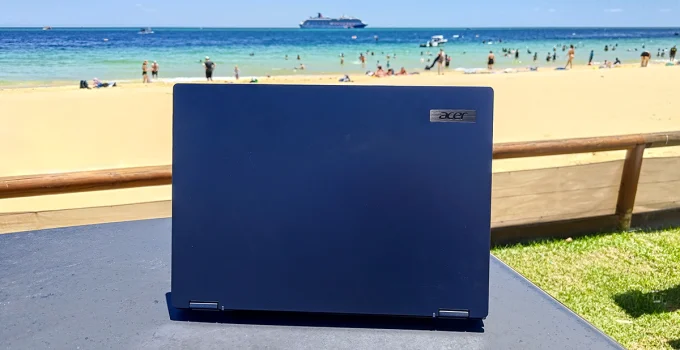
Acer TravelMate P4 Spin 14 Review Scores
- Features, Ergonomics & Design
- General Computing & CPU Performance
- Graphics & Gaming Performance
- Portability & Battery Life
- Value For Money
Summary
The Acer TravelMate P4 Spin 14 is a sturdy, business ultraportable (that’s also a convertible tablet) with great battery life. It’s not cheap but it should be on every business buyer’s shortlist.
We like a business-grade ultraportable laptop as they’re tough, mobile and don’t have glossy screens. Here’s the latest Acer TravelMate P4 Spin 14 which is also a convertible tablet. Is this what you need for work?
Acer TravelMate P4 Spin 14 Specs
| Screen | 14-inch, matte, 60Hz, 1,920 x 1,200, IPS, touchscreen display |
| Processor | 1.2–4.8GHz Intel Core Ultra 7 155U CPU |
| Memory | 32GB DDR5-5600 RAM |
| Graphics | 1.95GHz Intel Xe Graphics |
| Hard drive | 1TB |
| Connectivity | Wi-Fi 6E Bluetooth 5.3 1 x HDMI 2.1 2 x USB-A 3.2 Gen 1 2 x Thunderbolt 4 1 x 3.5mm audio jack 1 x Gigabit Ethernet 1 x MicroSD card reader 1 x Integrated Stylus |
| Speakers | 2 (unspecified) |
| Extra Security | Windows Hello (webcam & fingerprint reader) Microsoft Pluton Intel vPro |
| Webcam | Full HD |
| Battery | 65Wh |
| Dimensions | 319 x 229 x 19mm |
| Weight | 1.49KG |
| SKU | TMP414RN-54 |
Features, Ergonomics & Design
Acer’s TravelMate P4 Spin 14 is corporate blue-grey in colour. It feels very solid and well made, but it’s also not the lightest 14-inch laptop we’ve seen. It’s not going to win any catwalk competitions, but it’s a fully fledged business laptop and users won’t want to draw attention to it.
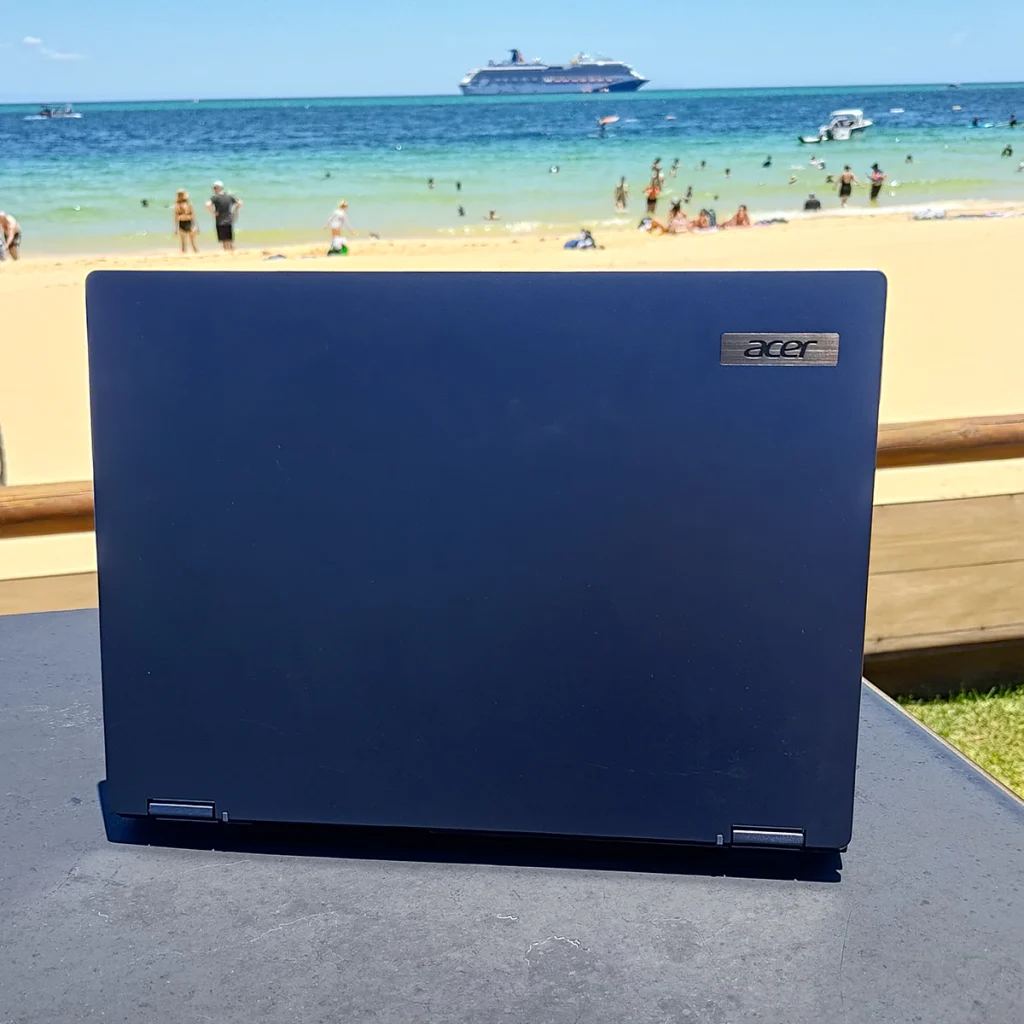
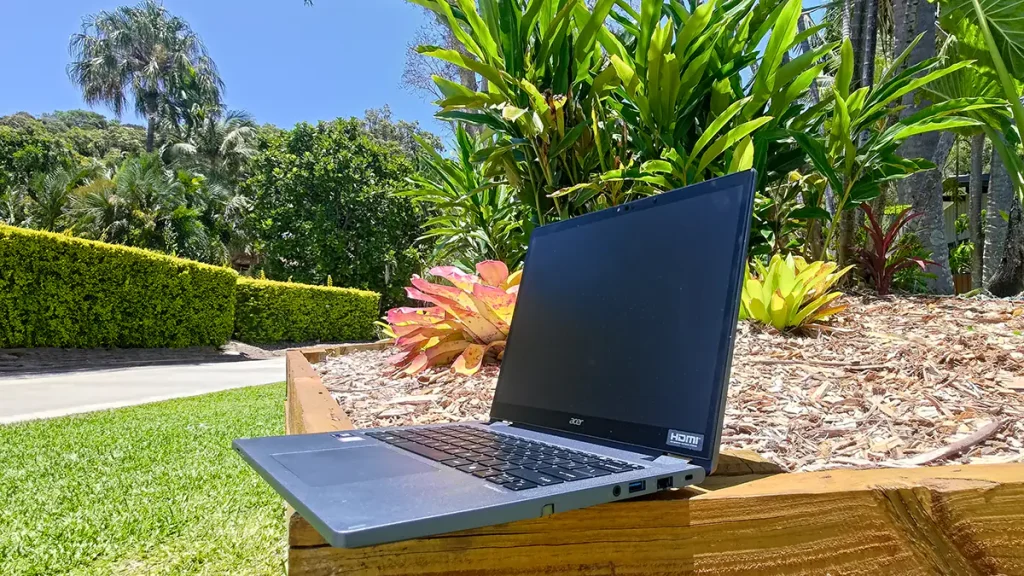
The screen is a matte, 1,920 x 1,200 affair which I found very refreshing: text looks like it’s on an eBook reader’s E-ink screen and is very comfortable to read for extended periods (I’ve really had a gutful of glossy displays and their annoying reflections). Colours aren’t the most vibrant, but they’re not dull, either.
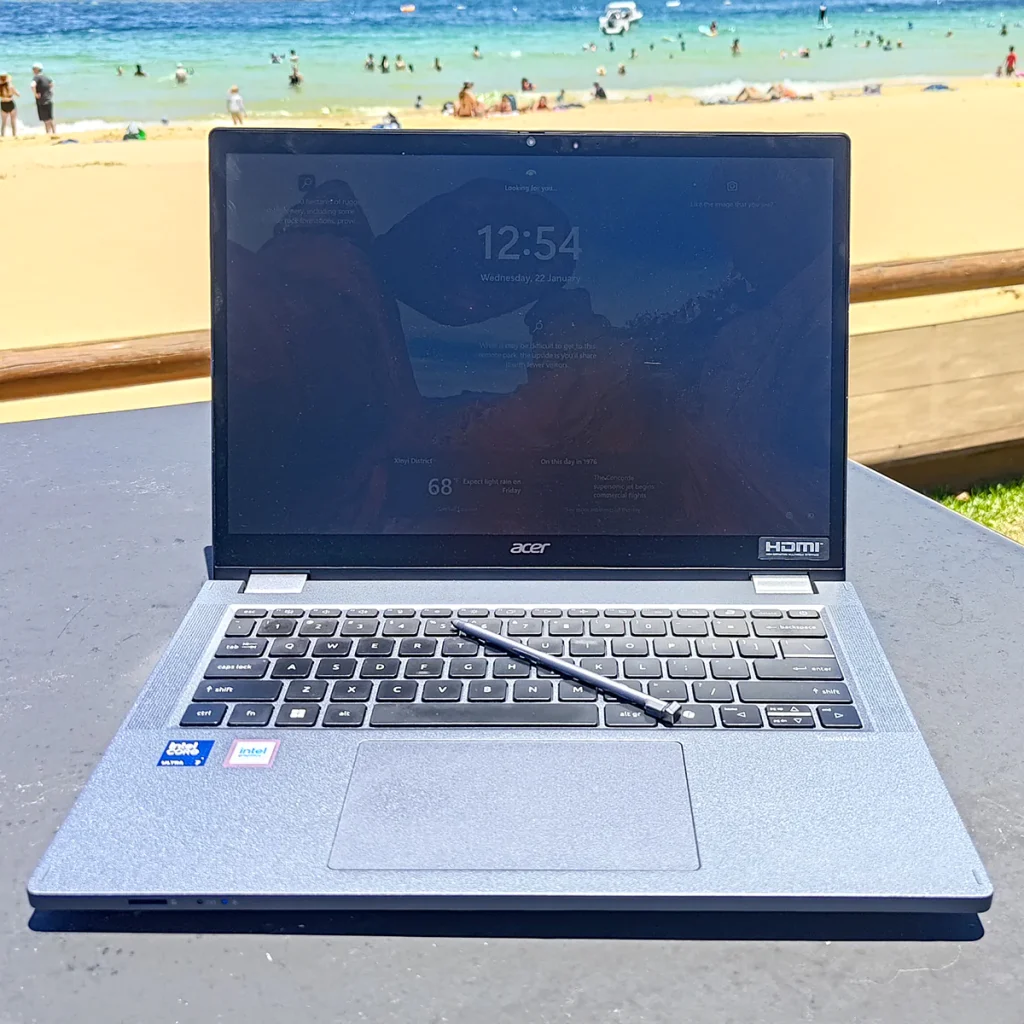
Not surprisingly, it’s not the best for multimedia – but it’s not bad either. Colours are acceptable; transitions in colourful and monochromatic areas exhibit only minor stepping; contrast isn’t terrible (although details can go missing in bright areas); and although blacks are washed out, it’s not to a distracting degree. It’s not the brightest, at 340 nits, but it always felt functional – even when outside.
Having said that, the stock-standard, 60Hz refresh rate marries with a slow pixel response time to ensure that fast-moving objects are rendered blurry. So, forget about any fast and frantic gaming.
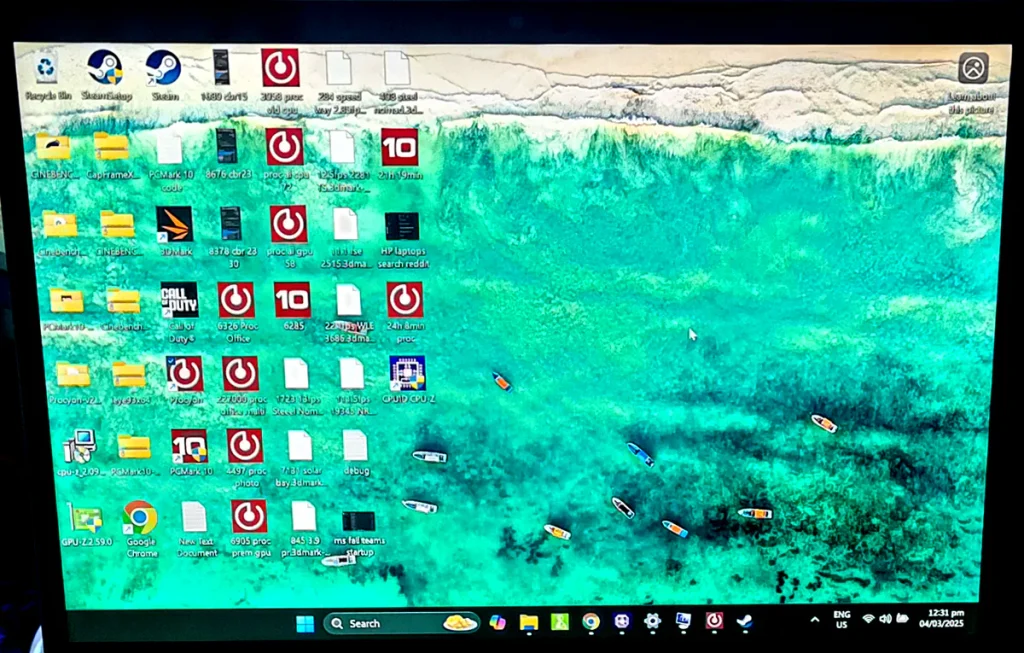
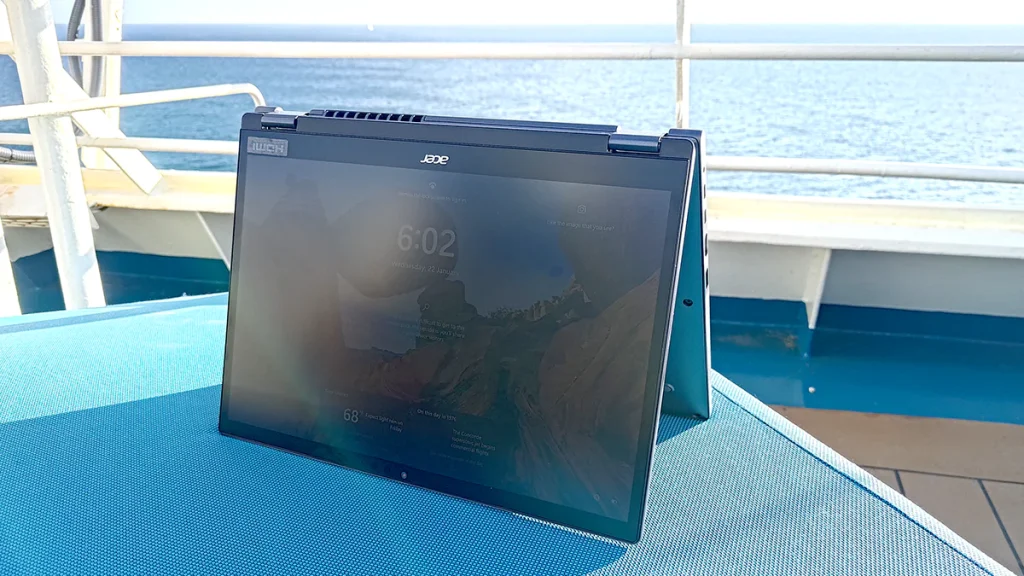
Being a convertible, you can also use this TravelMate in tent mode…
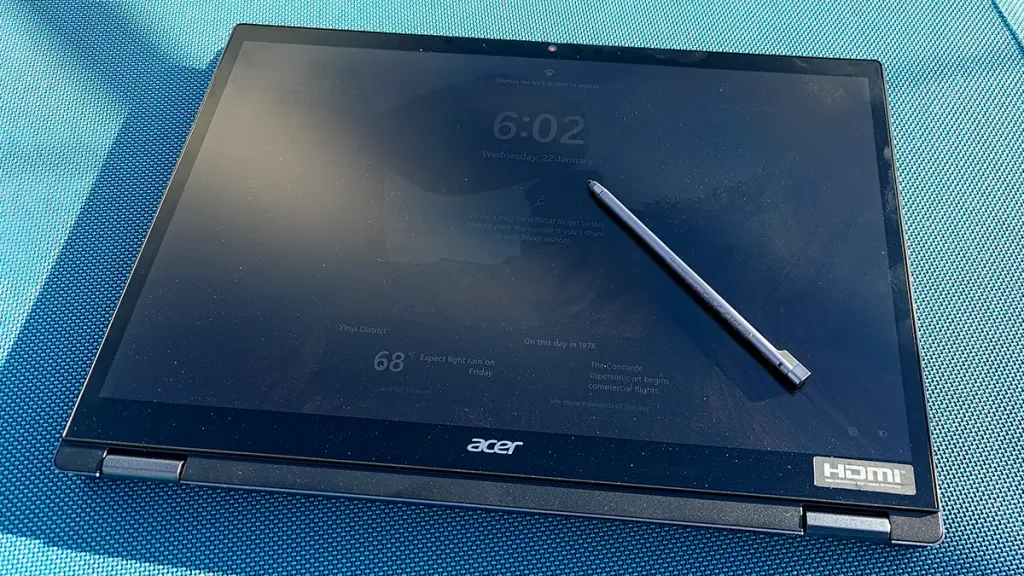
… and as a fully-fledged tablet…
The twin speakers reproduce impressively clear voices but that’s about it. Music is tinny with little fidelity or bass. Audio is all about web-conferencing. The Full HD webcam assists with this, capturing relatively noise-free, video even in low light. Also, the partnering microphone array captures crisp and clear audio, even in noisy environments.
Related: Best Business Laptops for Work & School
Related: Best Gaming Laptops
Related: Best Portable Laptop
The webcam has a hardware, privacy slide and supports Windows Hello facial-recognition log-in – as does a fingerprint reader embedded in the power button).
The low-travel Scrabble-Tile keyboard is well-weighted (which isn’t always the case for convertibles) and feels comfortable and accurate to type upon for extended periods. The trackpad is smooth and accurate and the buttons are well-weighted and quiet when used.
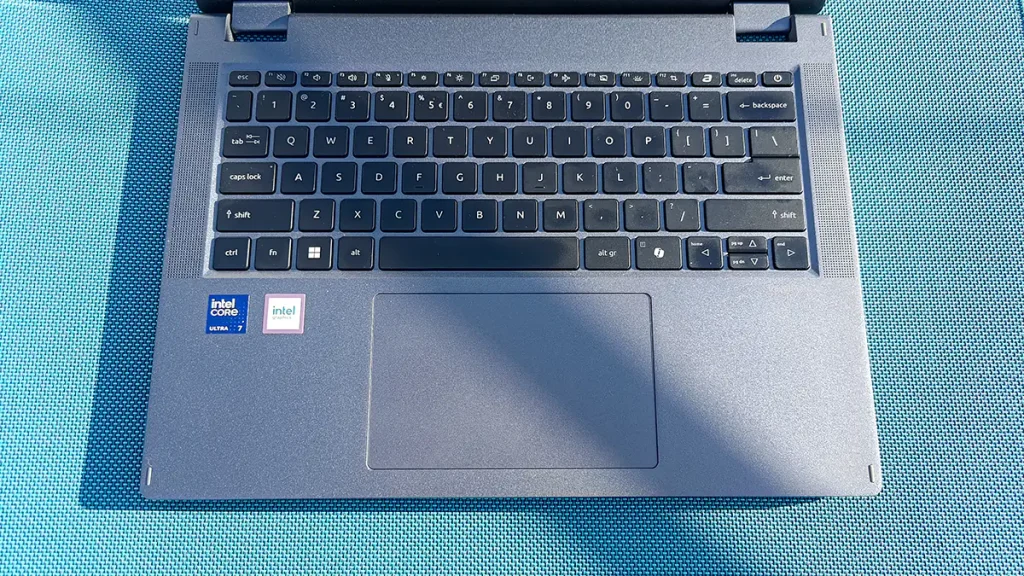
Ultimately, if office work is your focus, and you just want to watch some occasional videos, it’s a very good laptop to interact with.
Connectivity and Ports
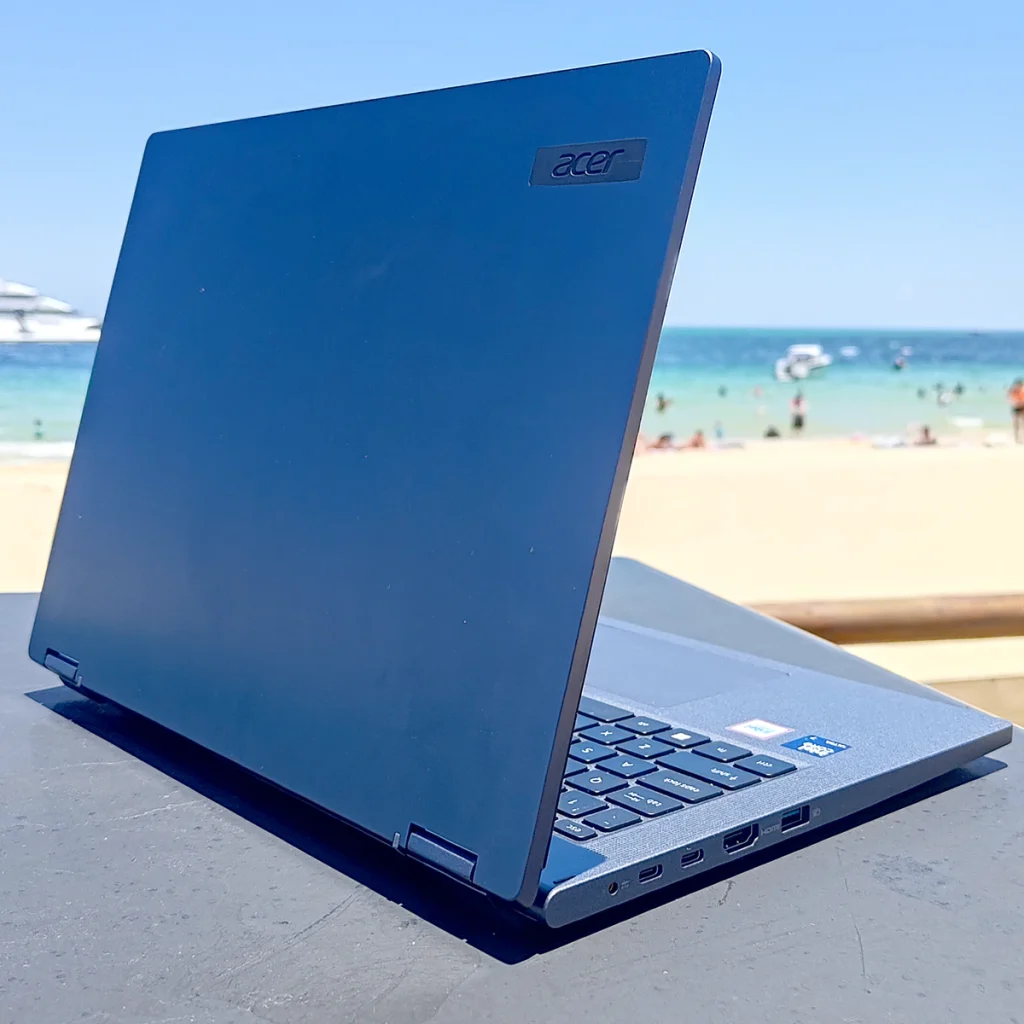

At the front is a MicroSD card reader. Inside there’s Wi-Fi 6E and Bluetooth 5.3. That’s a well-laid-out, comprehensive, complement of connectivity.
Features, Ergonomics & Design Score: 4.6 / 5
Performance
Inside our review unit of the Acer TravelMate P4 Spin 14 was an Intel Core Ultra 7 155U (Series 1) processor which operates between 1.7 and 4.8GHz across two Performance cores, eight Efficient cores and two Low Power Efficient cores. It also has an NPU for Ai and integrated, quad-core, Intel Xe graphics which run at 1.95GHz. It’s flanked by 32GB of DDR5-5600 memory and a 1TB hard drive.
General Computing & CPU Tests
After benchmarking a bunch of ARM-based laptops recently, it was refreshing to have a model with x86-architecture where everything just worked (ARM-architecture’s compatibility with software is severely limited). Our star ratings mean 1 is the least good score we’ve seen while 5 is the best. There are more details on how we test laptops in 2025, here.
We started off with PCMark 10 which uses all common types of application to produce a general computing score. The P4 Spin 14 manged 6,285 which is above average and impressive for a business-grade ultraportable. Score 2.9 / 5
In the UL Procyon Office Productivity tests which use Microsoft Office applications, it scored 6,326 (Score 3.1 / 5) in the primary test and 227,000 (Score 4 / 5) in the multiplatform variant, which is similarly impressive. However, it’s been a long while since we’ve seen a laptop that couldn’t run office applications adequately, so take these particular scores with a pinch of salt.
Of more interest to some will be the UL Photo Editing test which uses Adobe Photoshop and Lightroom Classic. Here, the TravelMate chalked-up 4,497 (Score: 1.3 / 5). That’s not high, but it can cope with occasional photo editing tasks. More-intensive workloads will have you waiting around, though.
It was a similar case in the Cinebench processor rendering tests. Here’ the TravelMate scored 1,680 in the rapid R15 test and 8,676 in the longer R23 test. Those aren’t terrible scores for an ultraportable, but you’ll get bored waiting if you do regular rendering. Score: 1.9 / 5
After running the UL Procyon Windows ML Computer Vision Ai benchmark (CPU, Float32) which uses the NPU, the Acer displayed the number 72. All good. Score: 2.2 / 5
Ultimately, the there are few (non-3D) tasks that the Acer TravelMate P4 Spin 14 can’t perform, but you’ll need to wait around for hefty processing workloads to complete.
General Computing & CPU Performance Score: 2.6 / 5
Graphics & Gaming Performance
I started by running the GPU version of the Procyon Windows ML Computer Vision to get it out the way. Here, the Spin 14 scored 58 which is 14 less than whatever it was that the NPU managed above. I don’t think this is why it’s called the Spin 14.
In the UL Procyon Video Editing benchmark, which uses Adobe Premiere, the P4 scored 6,905 when using the GPU. This means it can make the odd video, but you wouldn’t want to maker a habit of it. Score 1.4 / 5
Gaming Benchmarks
I began with the difficult, 1,440p, 3DMark ray-tracing benchmarks, Speed Way and Port Royal (which are designed for powerful gaming PCs). While the P4 Spin 14 did manage to run the former, it only scored 284 which is an (unplayable) average frame rate of 2.9fps. It wouldn’t run Port Royal. So, forget about the latest and greatest games. Score 1.1 / 5
In the easier, 1,440p (multiplatform) ray-tracing benchmark, Solar Bay, which is aimed at mobile computers, the P4 Spin 14 scored 12,402 which is an average of 27fps. This shows you’ll need to drop settings considerably if you want any hope of playing a game that’s more-than casual, smoothly. Score 1 / 5
In the 3DMark Steel Nomad (multiplatform) gaming test, which apes modern, 4K-resolution games (without using ray-tracing), the Acer scored 408 (an average of just 4.1fps) dashing the dreams of hardened, UHD gamers. In the lesser, 1,440p “Light” version of the benchmark, it scored 3,286 (average 13fps). You might might be able to play similar-level, games by dropping the resolution and detail settings, but it would have to be by considerable amounts. Score 1.2 / 5
I also ran the Call of Duty: Black Ops 6 benchmark. At default settings it averaged 32fps with the lowest one per cent of frames (1% Low score) hitting 23fps. At ‘Minimum’ Full HD settings (which are very similar to the default settings on the P4 Spin 14) the Acer averaged 36fps with a 1% Low score of 26fps. It’s worth mentioning that complex textures were regularly ruined with artifacts and graphical anomalies in both runs, but if you’re desperate to play CoD at (very) low resolutions it will just about stay smooth.
I also ran our legacy 3DMark benchmarks (none of which use ray tracing) for reference:
| Benchmark | Resolution | Score | Average Framerate |
| Time Spy | 1,440p | 2,281 | 12.5fps |
| Fire Strike Extreme | 1,440p | 2,515 | 11.1fps |
| Wild Life Extreme | 4K | 3,686 | 22.1fps |
| Night Raid | Full HD | 19,345 | 111.5fps |
At the end of the day, we’ve gone to great lengths to prove what we already knew: that the Acer TravelMate P4 Spin 14 is no gaming laptop. You’ll be able to play some phone-grade casual games on it, but nothing too fast (remember the slow, screen). As for 3D-rendering, the integrated graphics chip can perform casual tasks but not much else. It is a business-grade ultraportable at the end of the day.
3D Performance Score: 1.2 / 5
Cooling
As I’d hope for with a business laptop, the Acer TravelMate P4 Spin 14 never gets too hot and the fans are rarely audible inside anything but the quietest of rooms. I did note that, when I ran the 30-minute version of the Cinebench R23 rendering test, performance dropped by almost four per cent. That’s a little more than normal and suggests that some thermal throttling was occurring to maintain temperature, noise and stability. I think the target market would appreciate that ‘trade-off.’

Portability & Battery Life
The Acer TravelMate P4 Spin 14 is very stiff, robust and feels well-built, as one would expect with a business laptop because these undergo much more torture-testing than consumer equivalents. The hinges are very sturdy and won’t fail any time soon. It’s also military-grade MIL-STD-810H certified so you can expect it to survive life on the road.
Just note that the toughness appears to have added a little bulk and this 14-incher as it weighs 1.51KG. That’s not particularly heavy, but it’s chonkier than a few other ultraportable rivals. The power supply and cables add an extra 352g, but you shouldn’t need to carry those around all the time…
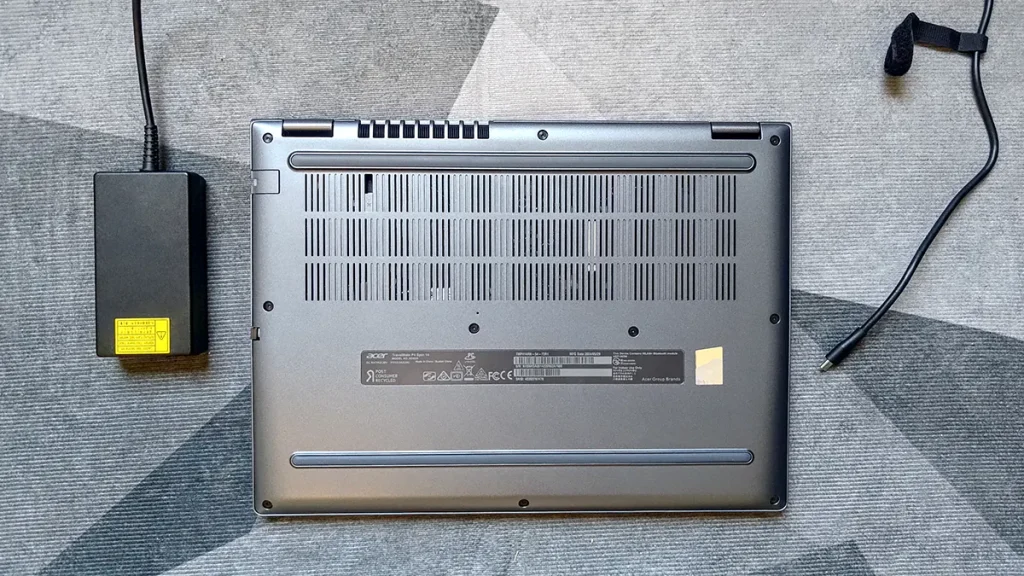
In the PCMark 10 Modern Office battery-life benchmark, the TravelMate lasted for a very impressive 21 hours and 32 minutes. It also ran our UL Procyon Microsoft Office test for a best-we’ve-seen, 24 hours and 8 minutes! That’s potentially three days away from the mains. We recently heard from a high-street electronics shop that ARM-based laptops last 40 per cent longer than all Intel-based rivals. This is further proof that that claim is nonsense.
Portability & Battery Life Score: 4.1 / 5
Value
The local availability of Acer laptops can fluctuate a lot. You’re also likely to find older and refurbished models at big discounts. This Acer TravelMate P4 Spin 14 review unit’s SKU is TMP414RN-54 and has an RRP of $3,499. That’s not cheap, but the target market, business buyers will be getting bulk discounts or leasing from MSPs. There are plenty of slightly lesser versions on the market, though. These are the same but for having 16GB of RAM and a 512GB hard drive and can be found for around two grand, which represents good value.
Value Score: 3.3 / 5
Conclusion: Should You Buy the Acer TravelMate P4 Spin 14?
There are lighter and cheaper ultraportables, but few are convertible tablets which are as tough and feature-packed as the Acer TravelMate P4 Spin 14. This was a go-to daily driver for me as I knew the battery would likely be charged whenever I picked it up and that I could use the screen outdoors. There are some great rivals (particularly from MSI and Asus) which can be found in our Best Business Laptop group test and this will be joining them there shortly. But they can’t do everything that Acer’s TravelMate P4 Spin 14 can.
Last Updated on 26 April 2025 by Nick Ross